How to reset your Two-Factor App Configuration
For cases where you have a new device and you need to reset your two-factor app configuration that was set from the old device, here is what you will need to do:
1\. Login to your Site Stacker installation
2\. Go to the URL below for the step-by-step on resetting your two-factor configuration through your Authenticator App.
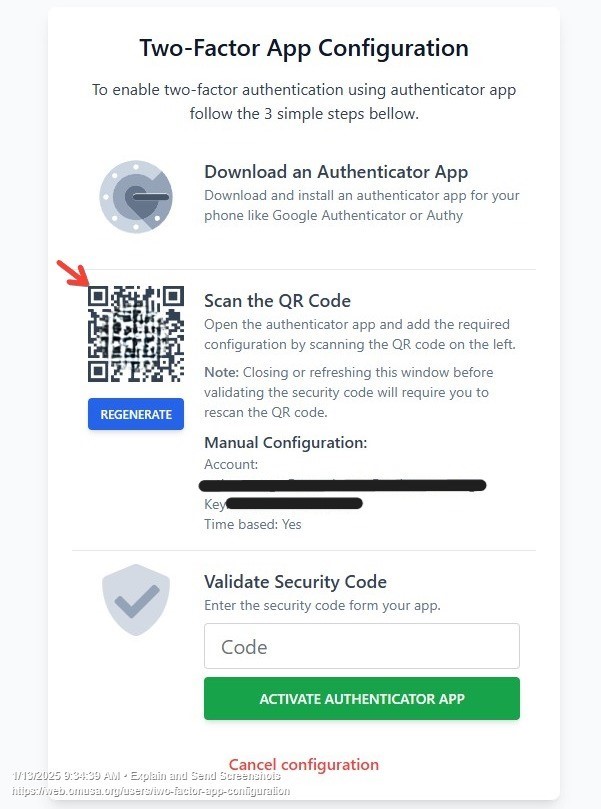
{your url}/users/two-factor-app-configuration
Below is the what you should see when you access the page:
Updated on: 14/04/2026
Thank you!