How to Access the Business Intelligence Tool
The Admin Reporting tool is provided to approved admins, and cannot be accessed through your Site Stacker Admin portal. Rather, you will append the following path to your organization’s active URL:
/p/Desktop/Desktop/panel/Reports/panel/Report
For example:
www.myorganization.com/p/Desktop/Desktop/panel/Reports/panel/Report
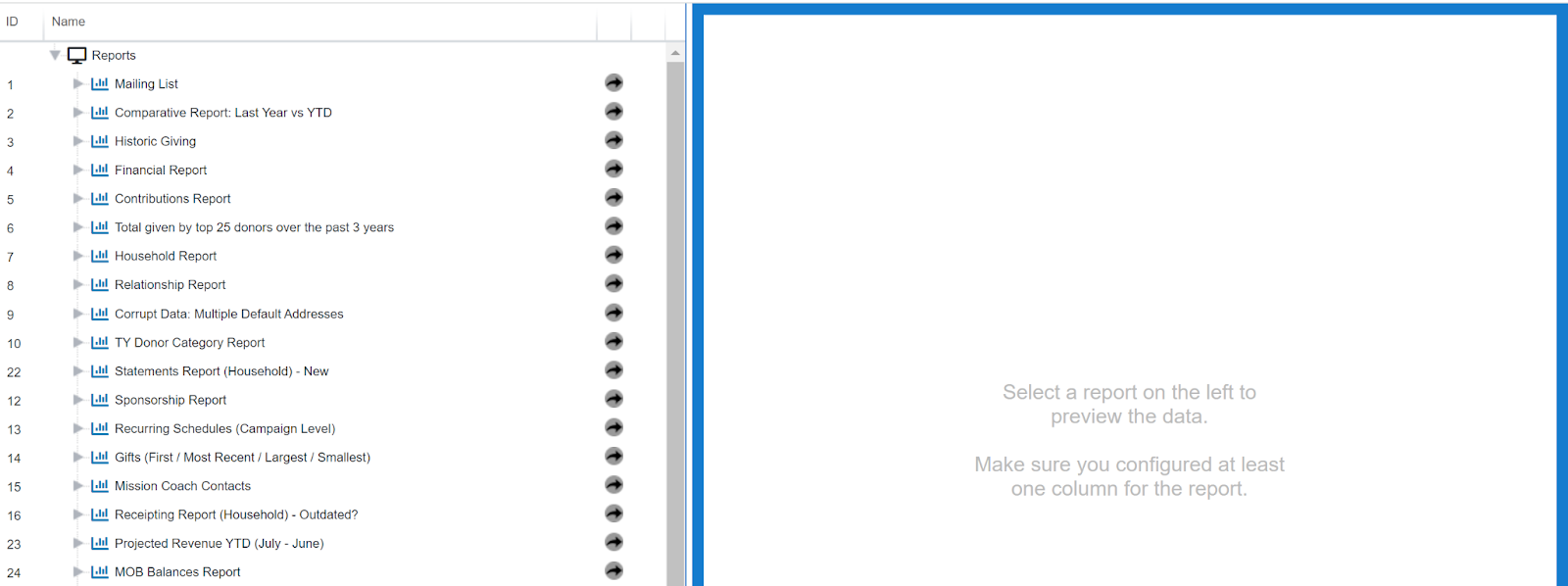
When you navigate to this new portal, you will log in using your Admin credentials, and then you will be redirected to the tool’s page:
Updated on: 02/04/2026
Thank you!