Making a Copy of a View to Group by a Specific Field
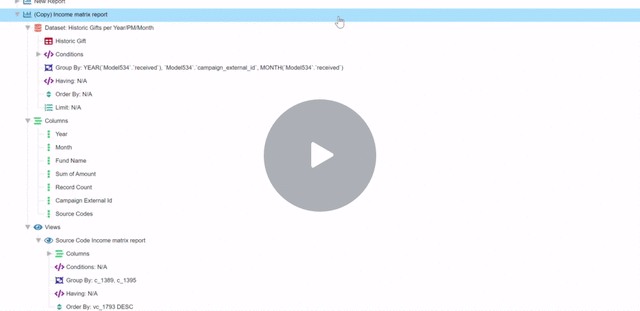
- You can duplicate views within a report to make slight modifications and customizations. Right-click on the view you would like to duplicate and choose “Copy”.
- Right-click on the Views dropdown and choose “Paste”. This will paste your copied view into the view list.
- Now you can make changes to your new view. One change you might make is to group your new view by a different column. Right-click on the “Group By” modifier, and choose the new field you want this view to group by. “Save & Close” to update the view.
- Double-click on your new view to change its title and “Save & Close”.
Updated on: 02/04/2026
Thank you!